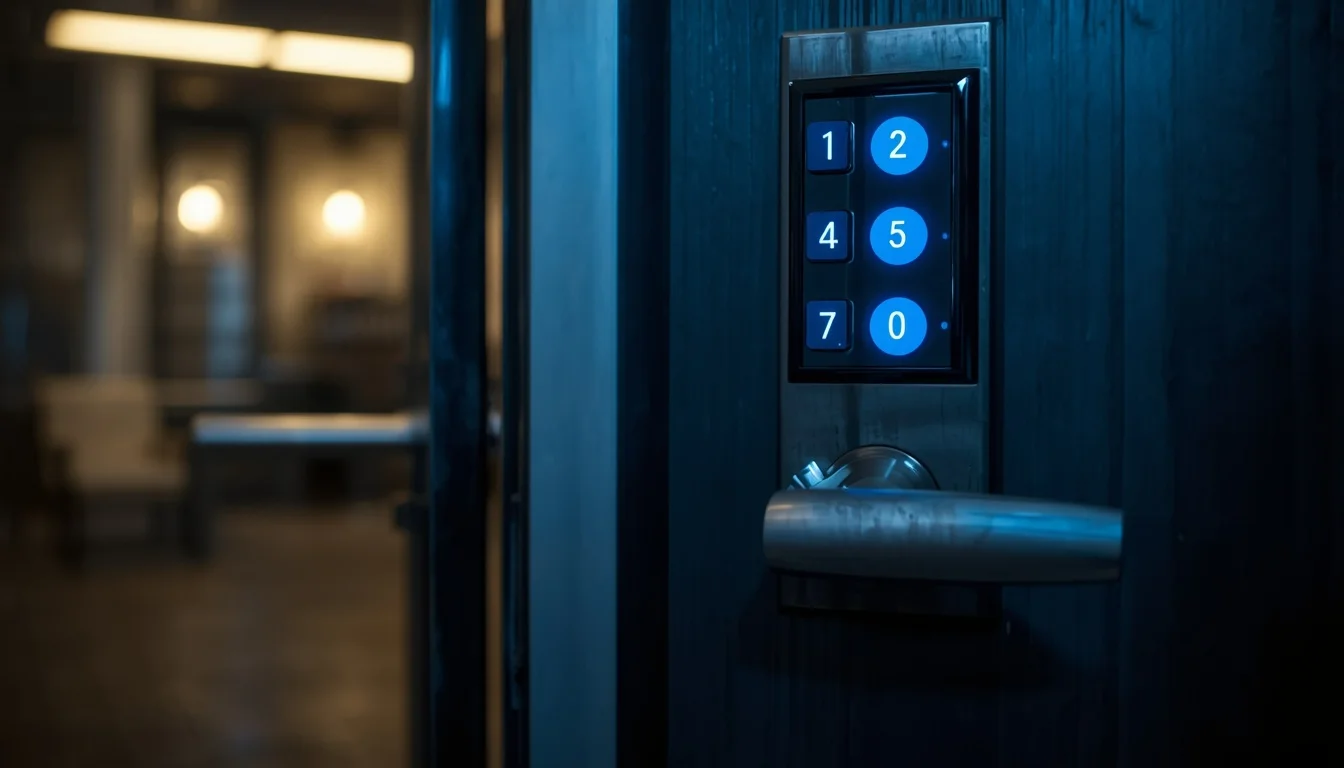
Modern properties need access solutions that balance protection, convenience, and simple daily operation. Physical keys still have their place, but they’re not always the best fit for homes, rental units, offices, retail locations, and shared facilities where access changes regularly. Keypad entry, smart locks, and controlled access platforms can give property owners more flexibility while cutting down on the need to manage big collections of keys. The right system makes it easier to welcome authorized users, remove permissions, monitor selected entry points, and respond to changes without replacing every component.
Technology alone doesn’t guarantee a better result. A successful installation starts with understanding the property, the doors, the users, and how access is managed each day. A small home may need a simple keypad for a side entrance, while a multi-tenant building may require a structured platform with different permission levels. Businesses may value activity records and scheduled credentials, whereas a family may prioritize convenience and a reliable backup method. Professional guidance helps you compare these needs before choosing equipment.
Careful planning also protects your investment. Door alignment, frame strength, battery life, network connectivity, emergency entry, privacy, and maintenance all affect performance. A qualified technician can inspect the existing hardware, explain practical options, and install the selected system with attention to detail. When electronic access is chosen for a real purpose and backed by dependable workmanship, it can simplify routines, improve accountability, and provide lasting value without making security unnecessarily complicated.
Keypad Entry for Convenient Everyday Access
Keypads can be an effective choice for people who want to rely less on physical keys. A properly installed keypad lets authorized users enter a code instead of carrying or sharing a metal key. This is useful for homes with children, rental properties, offices with rotating staff, and service businesses that need controlled entry during specific hours. Codes can often be changed more easily than a lock can be rekeyed, making the system practical when access needs shift.
The best keypad depends on the door, the number of users, the level of traffic, and the features you want. Some products are designed for residential doors, while others are built for commercial environments that see frequent use. Consider weather exposure, visibility, code management, battery life, emergency power, and the possibility of physical wear. A professional assessment can identify whether the existing latch, frame, and strike area are suitable for the selected equipment.
Code management deserves careful attention. Users should avoid obvious combinations, keep private credentials confidential, and remove old codes promptly when they’re no longer needed. Businesses may benefit from assigning individual codes rather than sharing a single number, especially when accountability matters. Temporary access can be useful for contractors, cleaners, or guests—provided expiration dates and permissions are clearly managed.
A keypad should also include a dependable backup plan. You need to understand what happens if the battery dies, a code is forgotten, or the electronic component stops responding. With thoughtful installation and clear instructions, keypad entry can make daily access easier while supporting better control over who enters a property.
Smart Locks for Connected Properties
Smart locks extend the convenience of keypad entry by connecting access functions to a mobile app, wireless network, or integrated home system. Depending on the product, users may lock or unlock a door remotely, create temporary credentials, receive notifications, review activity, or schedule access for selected times. These features can be particularly useful for rental hosts, property managers, families with regular visitors, and business owners who need to adjust permissions from a distance.
A smart lock should be chosen according to the door and your comfort with technology. Compatibility with the existing deadbolt, handle, frame, and operating system is important. Some devices require a stable wireless connection, while others rely mainly on Bluetooth or local programming. Battery planning is equally important. You should know how the lock signals low power, how emergency charging works, and how to get in if a phone or network is unavailable.
Privacy and account security should be part of the installation. Strong passwords, updated apps, secure user invitations, and limited administrative permissions help protect the digital side of the system. You should also review what activity information is collected and who can view it. A connected lock is most useful when the owner understands both its features and its limitations.
Professional installation can help prevent common problems like a motor working against a misaligned latch or a device mounted on an unsuitable door. Once installed, the system should be tested through normal and backup methods. With responsible setup and regular maintenance, smart access can offer flexibility without sacrificing practical reliability.
Access Control for Businesses and Shared Buildings
Organizations with several users often need a more structured way to manage entry. Access control systems can assign different permissions to employees, departments, tenants, contractors, and visitors. Depending on the design, users may enter with codes, cards, mobile credentials, biometric devices, or other approved methods. Managers can decide which doors each person may use and when those permissions are active. This creates a clearer framework than handing the same key to everyone.
A commercial system should reflect the building’s layout and operating needs. An office may restrict server rooms and records areas, while a warehouse may separate staff entrances from loading zones. A healthcare or professional facility may require careful control over rooms containing sensitive materials. Multi-tenant properties can use individual credentials that simplify changes when occupants move in or out. A professional assessment helps identify the doors that need control and the level of administration appropriate for the organization.
Activity records can provide useful accountability, but they must be handled responsibly. Businesses should define who may review entry information, how long records are retained, and how credentials are removed when an employee or contractor no longer requires access. Clear policies help technology support the organization without creating confusion or unnecessary privacy concerns.
Reliable commercial installation also includes planning for power interruptions, network problems, emergency exit requirements, and maintenance. A system should support safe movement during an emergency and remain manageable when technology needs attention. When design and procedures work together, access control can protect restricted areas while helping authorized people move through the building efficiently.
Choosing the Right System for the Property
There’s no single access solution that suits every customer. The selection process should begin with the property’s physical condition and the people who use it. A small residence with a single frequently used door may need only a keypad deadbolt. A rental portfolio may benefit from temporary credentials and remote management. A business with several departments may require cards, schedules, activity records, and multiple permission levels.
Consider the number of users, frequency of entry, desired convenience, security priorities, and available budget. Also think about future changes. A system that works for two users may become difficult to manage when the number grows to twenty. Similarly, a product that depends entirely on a mobile app may not be appropriate for a location with limited connectivity. Compatibility with existing door hardware and future replacement parts can affect long-term value.
Physical security remains important even when access becomes digital. A strong frame, properly fitted strike area, secure hinges, and reliable door closer help the electronic system perform as intended. If the door is warped or the latch is misaligned, adding technology may not solve the underlying problem. A professional inspection can identify repairs that should be completed before installation.
You should receive a clear comparison of options rather than a recommendation based only on the newest product. The best choice is one that authorized users can operate confidently, that property managers can maintain, and that provides a dependable backup method. Practical design creates more value than unnecessary complexity.
Installation, Setup, and Ongoing Maintenance
Quality installation affects the performance of every electronic access product. The technician should inspect the door, confirm measurements, align the latch, secure the hardware, and follow the manufacturer’s setup requirements. Wireless devices may need careful placement for reliable communication, while commercial systems may require configuration of controllers, readers, software, and user permissions. Rushed work can create alignment problems, unreliable connections, or confusion during daily use.
After installation, you should receive a clear demonstration. This may include adding and removing users, creating temporary credentials, checking battery status, using a backup method, and responding to a low-power warning. For businesses, administrators should understand how to change permissions, review activity, and remove access promptly when someone leaves the organization. Written instructions and account records make future management easier.
Maintenance should be planned rather than ignored. Batteries need replacement, apps may require updates, and mechanical components should be checked for wear. Commercial properties may benefit from periodic inspections of readers, wiring, exit hardware, closers, and backup power. A review can identify problems before they interrupt access or reduce protection.
It’s also wise to test the system after renovations, changes to the network, replacement of a door, or updates to user procedures. A dependable access solution isn’t a one-time purchase—it’s an ongoing part of property management. Regular attention helps preserve convenience, security, and confidence over the long term.
Transparent Guidance and Responsible Access Management
You deserve clear advice when comparing electronic entry products. A professional consultation should explain the expected benefits, practical limitations, installation requirements, maintenance needs, and total cost of ownership. This lets property owners make an informed decision rather than choosing a system based on unfamiliar features or marketing language. Good guidance recognizes that convenience, privacy, durability, and emergency access are all part of a responsible plan.
Access management should stay organized after the installation. Homeowners can review guest codes and remove old permissions. Property managers can update credentials when tenants change. Businesses can document administrators, employee access, contractors, and restricted areas. Limiting administrative control to trusted individuals reduces mistakes and makes it easier to investigate unusual activity when necessary.
A backup plan should always be available. You need to know how to enter if a battery fails, a phone is lost, a network goes down, or an app becomes temporarily unavailable. Mechanical override keys, external power contacts, backup credentials, and emergency procedures can all play a role, depending on the equipment. A system is more useful when you understand how it behaves under both normal and unexpected conditions.
These electronic entry solutions can make properties easier to manage when they’re selected and installed thoughtfully. With suitable hardware, clear policies, regular maintenance, and professional support, electronic access can improve convenience while protecting the people, spaces, and assets that matter most.